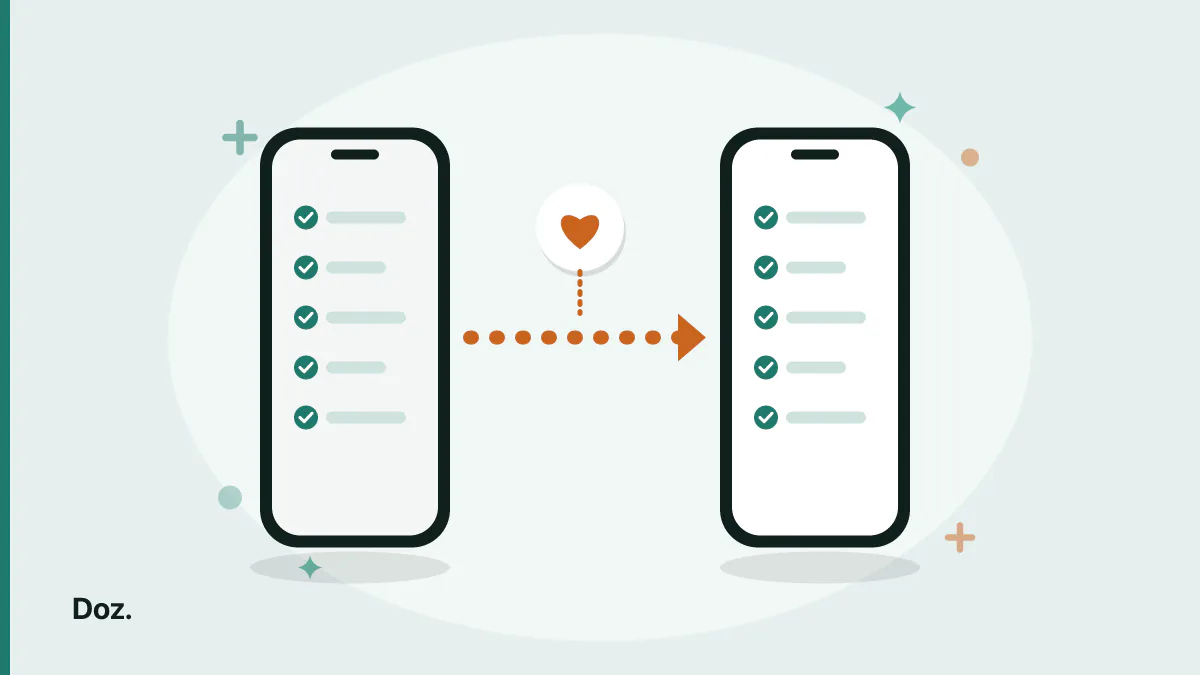
Ask someone why they are still using a medication app they complain about, and the answer is almost never the app. It is the eleven months of logged doses sitting inside it.
That instinct is right. The list of medications is replaceable in an hour. The record of what you actually took is not replaceable at all. It is the one part that took eleven months to make.
What is usually wrong is the assumption that the history has to be abandoned to move.
What a dose history is actually good for
Worth being concrete, because "keeping your data" is vague enough to ignore.
It answers the question you get asked at appointments. Not "are you taking it?" — everyone says yes — but "how often do you miss?". A log turns that into a number instead of an impression, and the number is usually a surprise in one direction or the other.
It shows you which dose you miss, rather than that you miss. Almost nobody misses randomly. It is the lunchtime one, or Saturdays, or the second dose on days you work late. That pattern is invisible in a week and obvious in six months, and it is actionable in a way that a guilty feeling is not — usually by moving the dose rather than trying harder.
It gives a new medication something to be compared against. When you start something and feel off three weeks later, the useful question is what changed and when. A log has the dates. Memory reconstructs them, badly, and reconstructs them to fit whatever you already suspect.
None of that survives a migration that starts your record at zero.
Where your history actually lives
If you have been logging doses in Apple Health, the record is in Health — not in whichever app happened to prompt you.
That distinction is the whole reason a clean switch is possible. You are not moving data out of one app and into another. You are pointing a new app at a record that was never the old app's property in the first place.
Health keeps each dose you marked Taken or Skipped, along with the medication's schedule. An app that can read that can reconstruct your history without you touching anything.
The order of operations
Most of the damage in a migration comes from doing these in the wrong order. Doing them in this one costs nothing if you change your mind.
1. Import before you delete anything. Always. The import is the step that can go wrong, and while the original is intact, going wrong costs you nothing.
2. Check the awkward medications first. Not all of them — the ones on a cycle, on specific days of the week, or at a fraction of a tablet. Those are where two apps' models disagree. A once-daily tablet at 8am transfers correctly everywhere.
3. Run both for a few days. Irritating, and worth it. You are checking one thing: that the reminders actually fire, at the times you expect. That is not something you can confirm by reading a settings screen.
4. Archive in Health rather than deleting. Archiving keeps the medication details and the log history on record; deleting removes the information. This is the only irreversible step in the process, which is reason enough to prefer the reversible one.
5. Leave the old app installed for a month. Uninstalling reclaims no meaningful space and closes the door on checking something you did not think to check.
What does not come across, whatever the app
Set expectations honestly, because being surprised here is what makes people abandon a migration halfway.
Anything free-text. Notes you attached to a medication — how it makes you feel, what the pharmacist said — are not a modelled field that transfers between apps. If those matter, read them before you archive.
Your notification settings. Sounds, whether a medication is allowed to break through Focus, follow-up behaviour. These belong to the app, not to the record, and they have to be set again.
Anything the new app does not have a concept for. If the destination models stock levels or prescriptions and the source never did, the import cannot invent that. Expect to fill it in once.
Doing it with Doz
Doz reads the medications and schedules already in Apple Health, brings across your past doses, and lets you choose how far back to go — which is the part that stops the record restarting on the day you switched.
It reads only. Doz never writes back into Health, so running the import does not alter what your Health record says, and does not add a second app's entries to it.
This route needs iOS 26 or later, because that is the release in which Apple first let other apps read medication data at all. It is also why you may remember trying this a year ago and finding that nothing could do it — until iOS 26 nothing could.
Once your history is in, the parts Health does not model are the ones worth setting up: how much you have left of each medication, so a refill warning arrives while you still have a week of slack rather than on your last tablet.
The short version
The log is the part worth protecting, and it is worth protecting because it answers real questions — how often you actually miss, which dose specifically, and what your timeline looked like when something changed.
If you have been logging in Apple Health, the history is already somewhere an app can read it. Import first, check the cyclical and fractional medications, run both for a few days, and archive rather than delete when you are satisfied.
Doz imports the medications, the schedules and as much of the dose history as you ask for, one way, without writing anything back.
Download Doz on the App Store · Read the FAQ · More from the blog