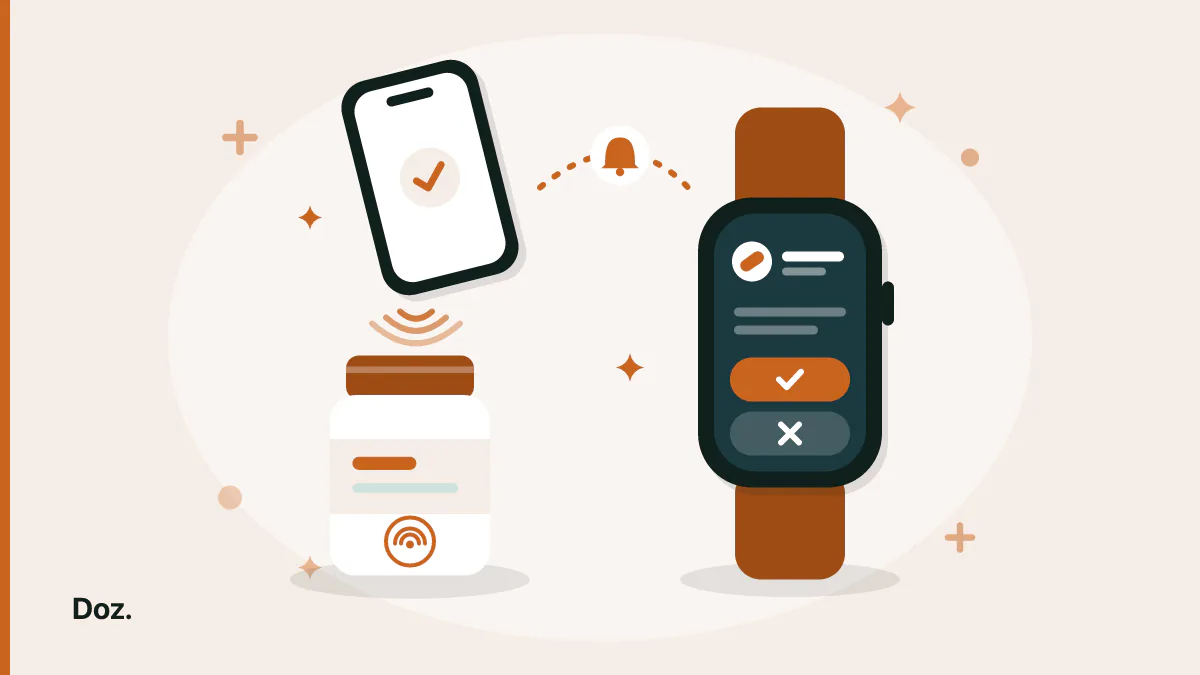
People usually want two things here. They want the reminder on their wrist, so they notice it when the phone is in another room. And they want to record the dose in one movement, without unlocking the phone, opening an app and finding the right row. iPhone can do both, and neither needs the reminder app to have its own Apple Watch app.
Apple forwards iPhone notifications to a paired watch, so a reminder from an iPhone-only app appears on your wrist when the iPhone is locked and the watch is on your wrist and unlocked. For logging, the Shortcuts app can run an action when you hold your iPhone near an NFC sticker. If your medication app gives Shortcuts a "log dose" action, a sticker on the bottle becomes a one-tap way to log that dose.
Doz is a free download on the App Store: its reminders reach your Apple Watch like any other iPhone notification. With Doz Pro you can log the dose with the Take button on the reminder, or by touching your iPhone to a sticker on the bottle. Doz has no Apple Watch app of its own. The rest of this guide covers what you can and can't do with it.
When a reminder shows up on your watch, and when it doesn't
Apple sends each notification to only one device, the one you're most likely looking at. A medication reminder an iPhone app schedules is a local notification, and these rules decide where it lands, in this order:
| Your iPhone | Your Apple Watch | Where the reminder appears |
|---|---|---|
| Unlocked, screen on | Any state | iPhone |
| Locked or asleep | On your wrist and unlocked | Apple Watch |
| Locked or asleep | Off your wrist, or locked | iPhone |
The first row explains a common complaint, "my reminders never come to my watch": if you're using your phone when the reminder fires, it goes to the phone.
If reminders still never reach the watch while your phone is locked, open the Watch app on your iPhone and go to Notifications. Then check that your medication app is switched on under the list of iPhone apps whose alerts the watch mirrors.
What you can do from your wrist with Doz
| On the watch | Free | Doz Pro |
|---|---|---|
| See the reminder | Yes | Yes |
| Take or Skip a single dose from the reminder | No | Yes |
| Take all or Skip all when several doses are due together | No | Yes |
When you log a dose from the reminder, Doz records it the same way as a tap in the app. Your stock goes down by the amount in that dose, and the follow-up nudge for that dose doesn't come (Doz Pro sends one 5 to 60 minutes later, your choice, only while a dose is still unlogged).
Doz can't do everything on the watch. There is no Doz app on Apple Watch, no watch face complication and no list of today's doses on your wrist. If you need a medication app that runs on the watch itself, Apple's Medications feature in the Health app has one. Doz vs Apple Health compares the two feature by feature.
Log a dose by tapping an NFC tag
An NFC sticker is a small, cheap tag you can put on a pill bottle, a pill organiser or the shelf where you keep your medicines. Your iPhone reads the tag's ID and runs whatever Shortcuts automation you have tied to that tag. Every iPhone that runs Doz (iOS 17 or later) can read NFC tags this way.
To set it up in Doz:
- Open the Shortcuts app and tap Automation, then the + button.
- Choose NFC, tap Scan, and hold the top of your iPhone near the sticker. Give the tag a name, such as "Metformin bottle".
- Choose Run Immediately, so the dose logs without a confirmation step. You can also turn off Notify When Run.
- Tap Next, start a new blank automation, and add Doz's Take Dose action. Pick the medication that sticker belongs to.
Put one sticker on each bottle you want to log this way, and give each its own automation. Tap after you've taken the pill, because the tap is the record.
What Doz does when you tap
A tap that logs the wrong dose is a wrong medical record, so Take Dose asks before it guesses:
| When you tap | What Doz does |
|---|---|
| The dose is due, overdue, or due within the next hour | Logs it and says which dose it logged |
| The next dose is more than an hour away | Asks whether to log it now, and logs it only if you say yes |
| More than one dose of that medication is waiting | Asks which dose you mean |
| The medication is out of stock in Doz | Doesn't log it, and tells you that you're out |
| The medication is archived | Doesn't log it, and tells you it's archived |
| You're on the free version | Doesn't log it: Take Dose is part of Doz Pro |
If all your pills for one time of day go in one compartment, try Doz's Take All Due Doses action instead. It lists every dose that's waiting and asks once before it logs them all.
A free use for the same sticker
Logging by tag is Doz Pro, but checking isn't. Tie a second automation to the sticker, or use a different one, with Doz's Check Last Dose Taken action. A tap then tells you when you last took that medication. That helps with the most common worry at a pill bottle: "did I already take this today?"
Common questions
Does Doz have an Apple Watch app?
No. Doz runs on iPhone. Its reminders are ordinary iPhone notifications, so Apple forwards them to your watch when your phone is locked. With Doz Pro they carry Take and Skip buttons, but there is no Doz app on the watch itself.
Do I need an NFC reader or a special app to use NFC tags?
No. Your iPhone reads the tag, and the Shortcuts app that comes with iOS runs the automation. You only need the stickers.
Can someone else log my dose by tapping my sticker?
Only with your iPhone. The automation lives on your phone, so a sticker does nothing for anyone else's phone. If you set the automation to Run Immediately, your own iPhone logs the dose whenever it touches the sticker, so keep spare stickers away from where your phone usually rests.
Will Siri phrases work the same way?
Yes. The tag runs the same Take Dose action as "Take my metformin in Doz", with the same checks. Our guide to Siri and Shortcuts in Doz lists every phrase.
Sources
- Apple Developer: Taking advantage of notification forwarding
- Apple Developer: Notifications on watchOS (forwarding without a watchOS app)
- Apple Support: Notifications on your Apple Watch
- Shortcuts User Guide: Create a new personal automation
- Apple Watch User Guide: Medications
Download Doz on the App Store · Read the FAQ · More from the blog