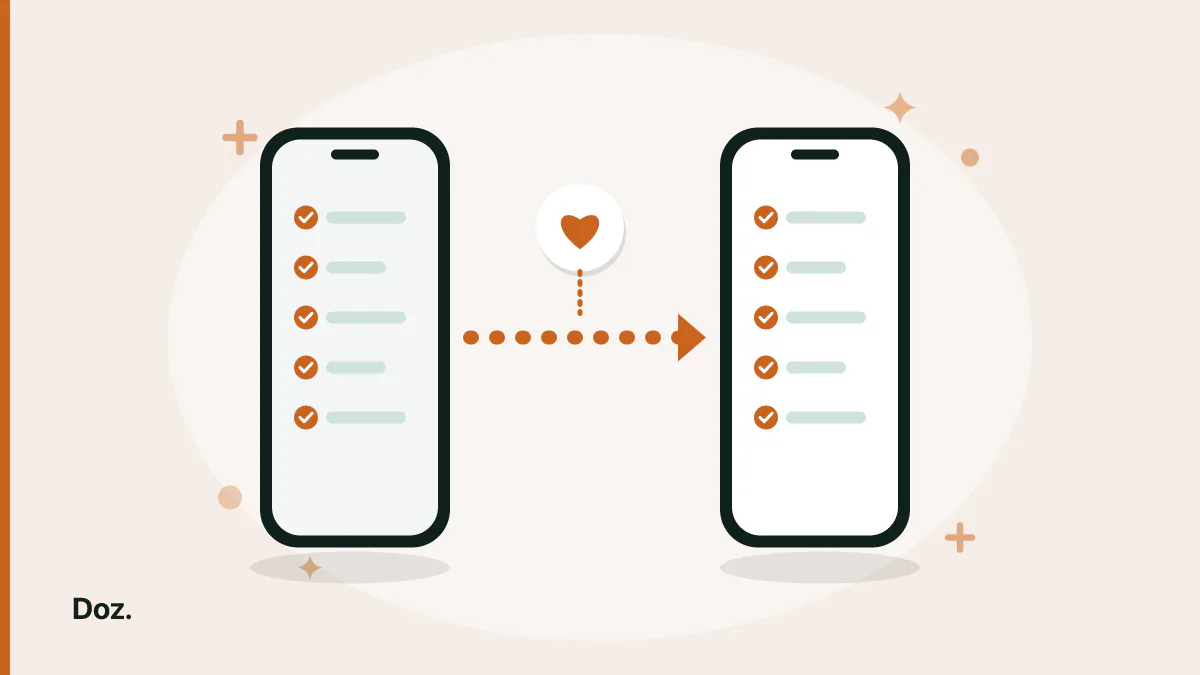
You already did the boring part. Nine medications, each with a strength, a schedule, and the days of the week it applies to, typed into Apple Health one screen at a time. Then you find a reminder app you like better, open it, and the first thing it shows you is an empty list and an Add medication button.
That is the real cost of switching, and it is why most people don't. Not because the app they have is good, but because the hour is already spent.
So the useful question is not "which app is best" but "which app can read what I have already entered".
What Apple Health is actually holding for you
More than people expect. Health's medication tracking keeps, for each medication you have added:
- the name and strength
- a schedule — a time of day, specific days of the week, or a cyclical pattern like a few weeks on and a week off
- every dose you logged as Taken or Skipped
- as-needed medications, logged whenever you take one
That last group is the part worth caring about. A medication list takes an hour to retype. A year of logged doses cannot be retyped at all — it either comes across or it is gone.
What Health already does well, so you know what you are trading
It is worth being fair about this, because half the people reading may not need to move at all.
Health will remind you on a schedule. If a dose goes unlogged it can send a follow-up reminder about half an hour later. And once follow-up reminders are on, you can enable Critical Alerts per medication, so the reminder shows on the Lock Screen and plays a sound even when a Focus is on or the phone is muted.
If a schedule and a reminder are all you want, Health is a reasonable place to stop.
People move for the things Health does not try to do: grouping doses by the prescription they came from rather than as one flat list, tracking how much you have left, and warning you before a refill becomes urgent. Those are different jobs, and they are why the list gets retyped.
Four questions to ask before you trust the word "import"
"Works with Apple Health" is a broad claim. Apps mean very different things by it. Four questions separate them.
1. Does it bring the schedules, or only the names?
Names are the easy half. If the schedule does not come across, you still have to open every medication and re-enter when it is taken — which is most of the hour you were trying to save.
2. Does it bring the dose log, or start you at zero?
Many apps import the list and nothing else. You arrive with a perfect medication list and a history that begins today, which quietly resets any streak or adherence figure you had. If the log matters to you, ask specifically.
3. Which direction does it go?
This is the question people skip and it is the one with consequences. Reading from Health is one thing. Writing back into Health is another, and it means a second app is now adding entries to your medical record. Neither is wrong, but you should know which one you agreed to.
4. What happens to whatever it cannot map?
No two apps model a schedule the same way. A cyclical pattern, a half tablet, a dose tied to a meal — something will not translate cleanly. The honest answer is that a few entries need a look afterwards. Any app implying otherwise is describing a demo, not your medication list.
The one mistake that is not reversible
When you are done moving, you will be tempted to tidy up and delete the medications from Health.
Don't delete them. Archive them.
Archiving keeps the medication details and the log history on record. Deleting removes the information. If you delete first and something did not come across properly, there is nothing to go back to — and unlike a wrong schedule, which you notice within a day, a missing history is something you discover months later when you actually need it.
Archive, check the new app for a week, and only then decide whether anything needs removing.
How this works in Doz
Doz reads what is already in Apple Health and brings the medications across with their schedules, so there is nothing to retype. Past doses come too, and you choose how far back to go, which is what stops your record from restarting on the day you switched.
It goes one way only. Doz reads from Health and never writes back, so nothing Doz does changes what your Health record says.
It is also entirely optional. If you would rather start clean, skip the import and add medications by hand as before — the import screen has a Close button for exactly that.
One requirement worth knowing before you go looking for it: this needs iOS 26 or later. Apple only opened medication data to other apps in iOS 26, so on anything earlier no app can read your Health medications, however it words its marketing. On an older iPhone the list still has to be entered by hand.
Then check the two things an import cannot get right
Whatever the app, two things deserve a manual look on day one.
Anything on a cycle or a fraction. Cyclical schedules and half tablets are where models differ most. Open those specific medications and confirm they say what you meant.
Your dose times. An import moves times across literally. If some of those times were a compromise with an old app's limitations, this is the moment to fix them rather than inherit them — and if two medications need spacing apart, the dose interval calculator will lay out the actual clock times.
The short version
Apple Health holds more than a list: schedules, and every dose you logged as taken or skipped. The list costs an hour to retype and the history cannot be retyped at all, so "does it import?" is a fair question to ask an app before you commit to it.
Ask four things — schedules or just names, the dose log or a fresh start, which direction the data moves, and what happens to whatever does not map cleanly. Then archive in Health rather than deleting, and give the new app a week before you tidy anything away.
If you want the import to include the history rather than just the list, Doz brings both across and never writes anything back.
Download Doz on the App Store · Read the FAQ · More from the blog